 -
-Nextjs has several ways to handle routes. Today i want to show you how to intercept routes. Let's start with a simple example.
Create a gallery page
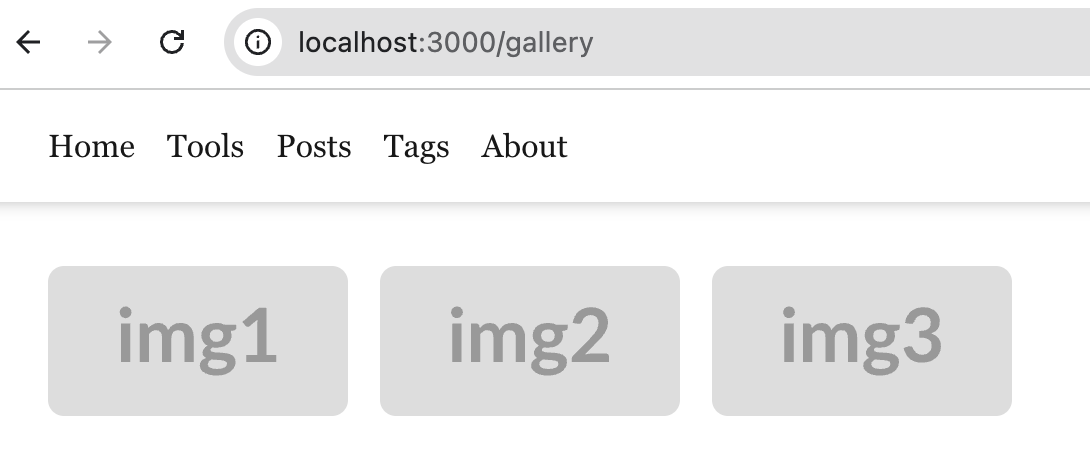
First, let's create a gallery page with a list of images.
// app/gallery/page.tsx

export default function Gallery() {
  const images = [
    {
      id: "1",
      src: "https://placehold.co/300x150@2x.png?text=1",
      alt: "gallery image 1",
      width: 300,
      height: 150,
    },
    {
      id: "2",
      src: "https://placehold.co/300x150@2x.png?text=2",
      alt: "gallery image 2",
      width: 300,
      height: 150,
    },
    {
      id: "3",
      src: "https://placehold.co/300x150@2x.png?text=3",
      alt: "gallery image 3",
      width: 300,
      height: 150,
    },
  ]

  return (
    <div className="p-8 grid grid-cols-1 md:grid-cols-2 lg:grid-cols-3 gap-4">
      {images.map((image) => (
        <Link key={image.id} href={`/gallery/${image.id}`}>
          <Image
            src={image.src}
            alt={image.alt}
            width={image.width}
            height={image.height}
          />
        </Link>
      ))}
    </div>
  )
}
Now we have a gallery page with a list of images.
Add dynamic routes
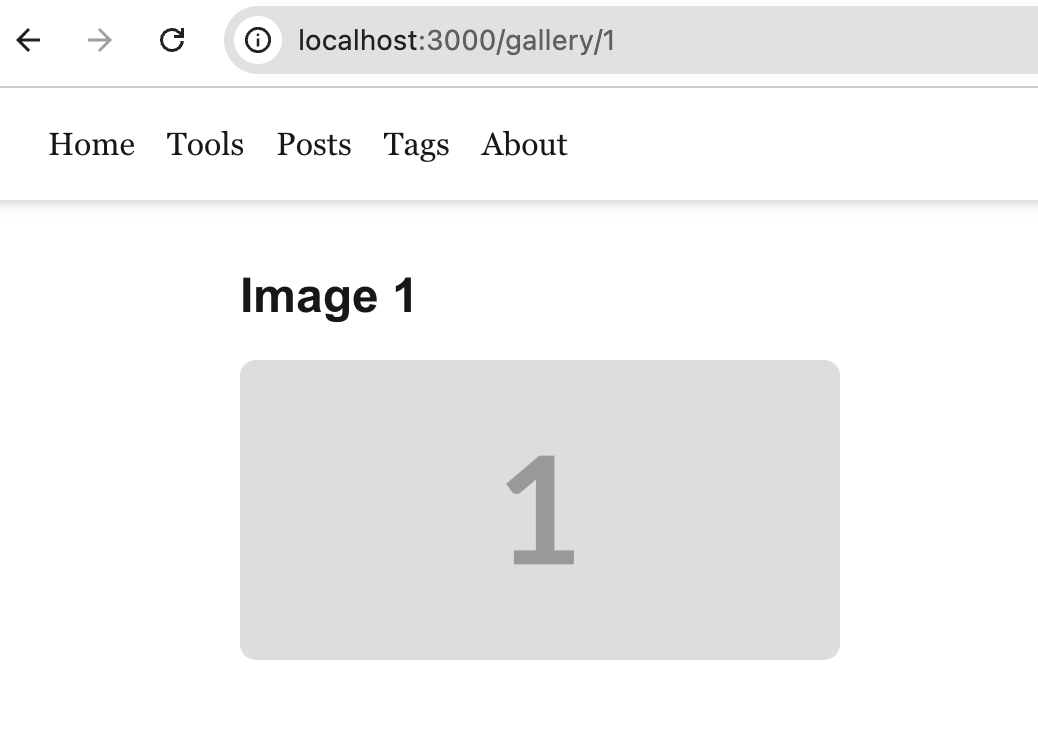
When we visit the url like /gallery/1, it will redirect to /gallery/1. 1 represents the id of the image.
// app/gallery/[imageId]/page.tsx

import Image from "next/image"

export default function ImagePage({ params }) {
  const { imageId } = params

  const getImageById = (id) => {
    const images = {
      1: {
        id: "1",
        src: "https://placehold.co/300x150@2x.png?text=1",
        alt: "gallery image 1",
        width: 300,
        height: 150,
      },
      2: {
        id: "2",
        src: "https://placehold.co/300x150@2x.png?text=2",
        alt: "gallery image 2",
        width: 300,
        height: 150,
      },
      3: {
        id: "3",
        src: "https://placehold.co/300x150@2x.png?text=3",
        alt: "gallery image 3",
        width: 300,
        height: 150,
      },
    }
    return images[id]
  }

  const image = getImageById(imageId)

  if (!image) {
    return <div>Image not found</div>
  }

  return (
    <div className="container mx-auto p-8">
      <h1 className="text-2xl font-bold mb-4">Image {imageId}</h1>

      <Image
        src={image.src}
        alt={image.alt}
        width={image.width}
        height={image.height}
        className="rounded-lg"
      />
    </div>
  )
}
Then we have a dynamic route for each image. We can just visit /gallery/1 to see the image.
Intercept routes
As you can see in the official docs:
Intercepting routes allows you to load a route from another part of your application within the current layout. This routing paradigm can be useful when you want to display the content of a route without the user switching to a different context.
This paragraph is a bit complicated to understand. Let's imagine such a scenario:
We have a gallery page, and when we click the image, we want to display the image. But we don't want users leave the gallery page. You know in most cases, when user redirect to the new page, they may not come back again.
(.) to match segments on the same level
(..) to match segments one level above
(..)(..) to match segments two levels above
(...) to match segments from the root app directory
Let's use first rule (.) to match segments on the same level.
// app/(.gallery)/[imageId]/page.js
"use client"
import Image from "next/image"
import { useRouter } from "next/navigation"
import { useState, useEffect } from "react"
import { use } from "react"
export default function ImageModal({ params }) {
const router = useRouter()
const unwrappedParams = params instanceof Promise ? use(params) : params
const imageId = unwrappedParams.imageId
const [imageData, setImageData] = useState(null)
const [error, setError] = useState(null)
const [loading, setLoading] = useState(true)
useEffect(() => {
if (!imageId) return
setLoading(true)
try {
const images = {
1: {
src: "https://placehold.co/300x150@2x.png?text=1",
alt: "gallery image 1",
width: 300,
height: 150,
},
2: {
src: "https://placehold.co/300x150@2x.png?text=2",
alt: "gallery image 2",
width: 300,
height: 150,
},
3: {
src: "https://placehold.co/300x150@2x.png?text=3",
alt: "gallery image 3",
width: 300,
height: 150,
},
}
const image = images[imageId]
if (image) {
setImageData(image)
} else {
setError(`Image with ID ${imageId} not found`)
}
} catch (err) {
console.error("Error loading image:", err)
setError("Error loading image data")
} finally {
setLoading(false)
}
}, [imageId])
useEffect(() => {
const handleKeyDown = (e) => {
if (e.key === "Escape") {
closeModal()
}
}
document.addEventListener("keydown", handleKeyDown)
document.body.style.overflow = "hidden"
return () => {
document.removeEventListener("keydown", handleKeyDown)
document.body.style.overflow = "auto"
}
}, [])
const closeModal = () => {
router.back()
}
const handleModalClick = (e) => {
e.stopPropagation()
}
return (
<div
className="fixed inset-0 bg-black bg-opacity-80 flex items-center justify-center z-50"
onClick={closeModal}
>
<div
className="relative bg-white/10 rounded-lg p-4 max-w-[90%] max-h-[90%] overflow-auto"
onClick={handleModalClick}
>
<div className="flex justify-end items-center mb-4">
<button
onClick={closeModal}
className="text-white hover:text-gray-300 text-2xl"
aria-label="Close modal"
>
×
</button>
</div>
<div className="flex justify-center">
{error ? (
<div className="text-red-400 p-4">{error}</div>
) : loading ? (
<div className="text-gray-300 p-4">Loading image...</div>
) : (
imageData && (
<Image
src={imageData.src}
alt={imageData.alt}
width={imageData.width}
height={imageData.height}
className="rounded-lg max-h-[70vh] w-auto object-contain"
/>
)
)}
</div>
</div>
</div>
)
}
We can see the modal window when we click the image, and we can see the url is /gallery/1 in the browser. Then we can share the url to others.
How it works
In Next.js's intercepting routes mechanism:
- When a user navigates from /gallery to /gallery/1 through client-side navigation (clicking a link), Next.js detects that there is an intercepting route matching (.)gallery/[imageId], so it displays a modal window.
- When a user directly accesses /gallery/1 (for example, by opening in a new tab or refreshing the page), Next.js checks if there is a standard route matching this path. If gallery/[imageId]/page.js exists, it renders this page instead of the modal window.
These two files typically coexist:
- gallery/[imageId]/page.js - handles direct access
- (.)gallery/[imageId]/page.js - handles intercepting routes (modal window)
Next.js decides which one to use based on the following rules:
- If the user navigates through client-side navigation from the same level route, use the intercepting route
- If the user directly accesses the URL or navigates from elsewhere, use the standard route
For a complete user experience, both files should be provided, but they can share most of their logic, differing only in presentation style (one as a full page, one as a modal window).